

In this article
Live chat is real-time messaging software embedded on your website or app that lets visitors talk to your support team instantly. Unlike email (which takes hours) or phone (which requires waiting on hold), live chat resolves questions in minutes.
How live chat works
- A visitor lands on your site and sees a chat bubble in the corner
- They click it and type a message
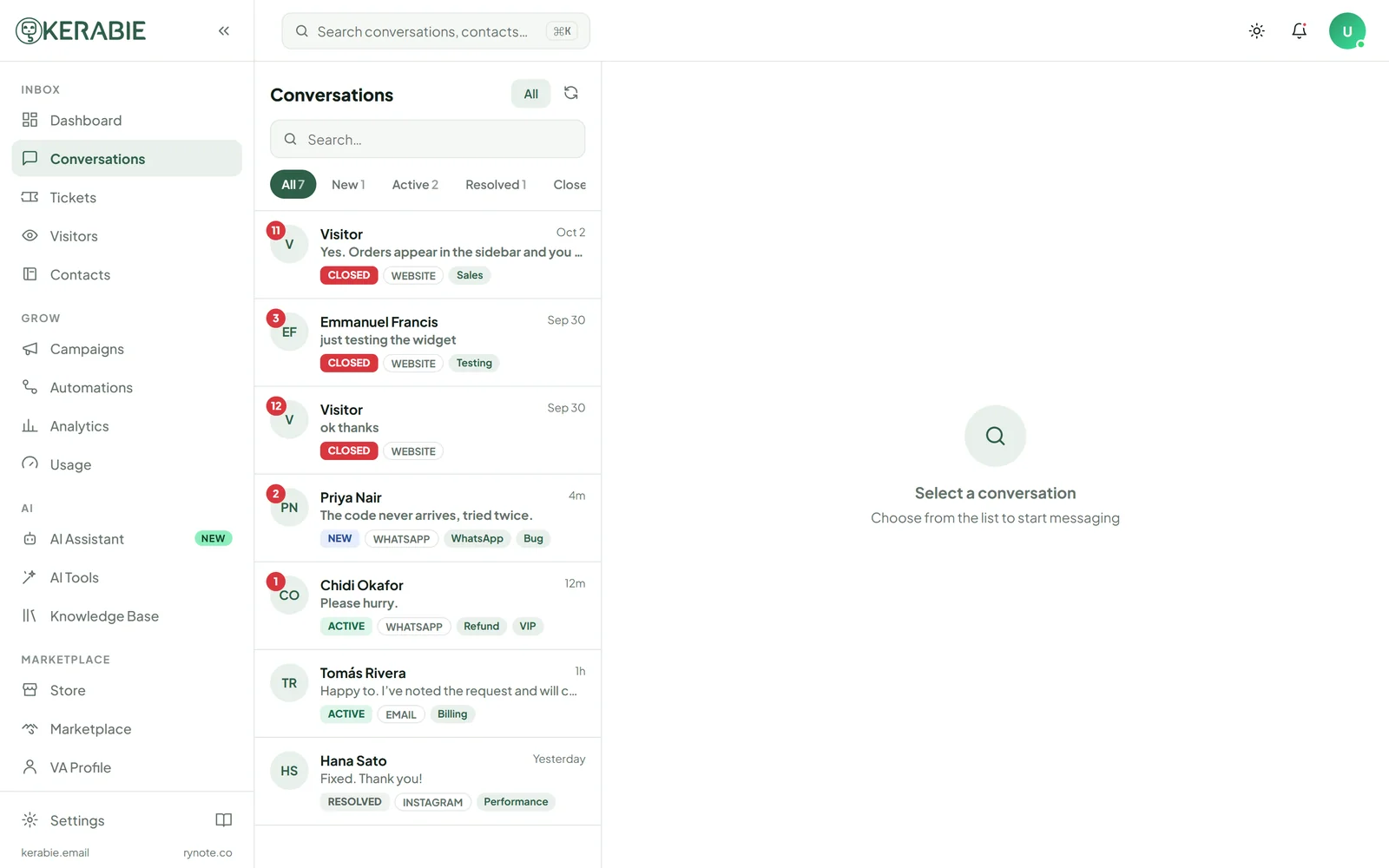
- Your support agent receives it instantly in their dashboard
- The agent replies — the visitor sees it in real time
- The conversation is saved and linked to the visitor's contact record
Who uses live chat?
- E-commerce stores — handle pre-purchase questions, reduce cart abandonment
- SaaS companies — onboard new users, reduce churn, handle technical questions
- Service businesses — qualify leads, book appointments, handle enquiries
- Healthcare — appointment scheduling, non-urgent questions
- Financial services — account queries, product explanations
The business case for live chat
Businesses that use live chat report:
- 48% increase in revenue per chat hour
- 40% reduction in support costs vs phone
- 92% customer satisfaction rate (highest of any support channel)
- 20% increase in conversion rate for e-commerce
What to look for in live chat software
Must-haves:
- Widget that loads fast and works on mobile
- Mobile app for agents
- Conversation history
- Basic automations
Nice-to-haves:
- AI assistant trained on your content
- Proactive messaging
- Multi-channel inbox (WhatsApp, Instagram, email)
- Analytics and CSAT tracking
Advanced:
- VA marketplace for flexible staffing
- Webhooks and API access
- Knowledge base
Getting started
Kerabie gets you live in under 10 minutes — add one line of code to your site and you're ready to chat.
live chatcustomer supportbeginner guide